
Wunder Mobility changelog
Release 02-2026 - Operational Feedback & Charging Visibility
Highlights
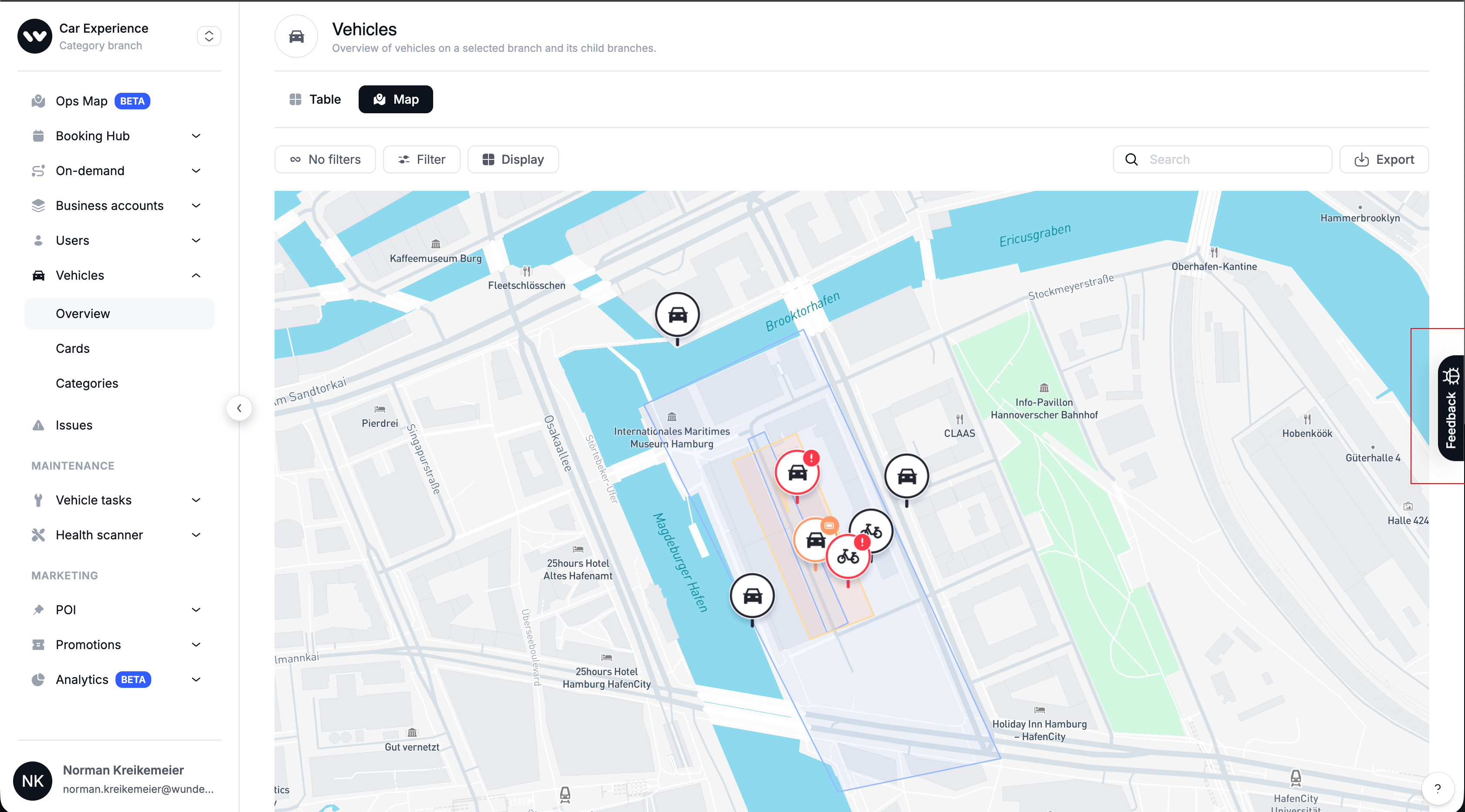
New Dashboard Feedback Tool": We added a "Feedback" button to the right-hand side of the dashboard, allowing you to capture annotated screenshots and suggest improvements directly within your workflow. This helps us prioritize future UX enhancements and visual fixes based on your daily operational needs (⚠️ continue to use Zendesk for critical support issues).
Flexible On-Demand Pricing: Operators can now explicitly set a price rate to "0" for specific time intervals. This improvement supports "grace period" configurations, such as a free start interval for vehicle checks without triggering invalid value errors.
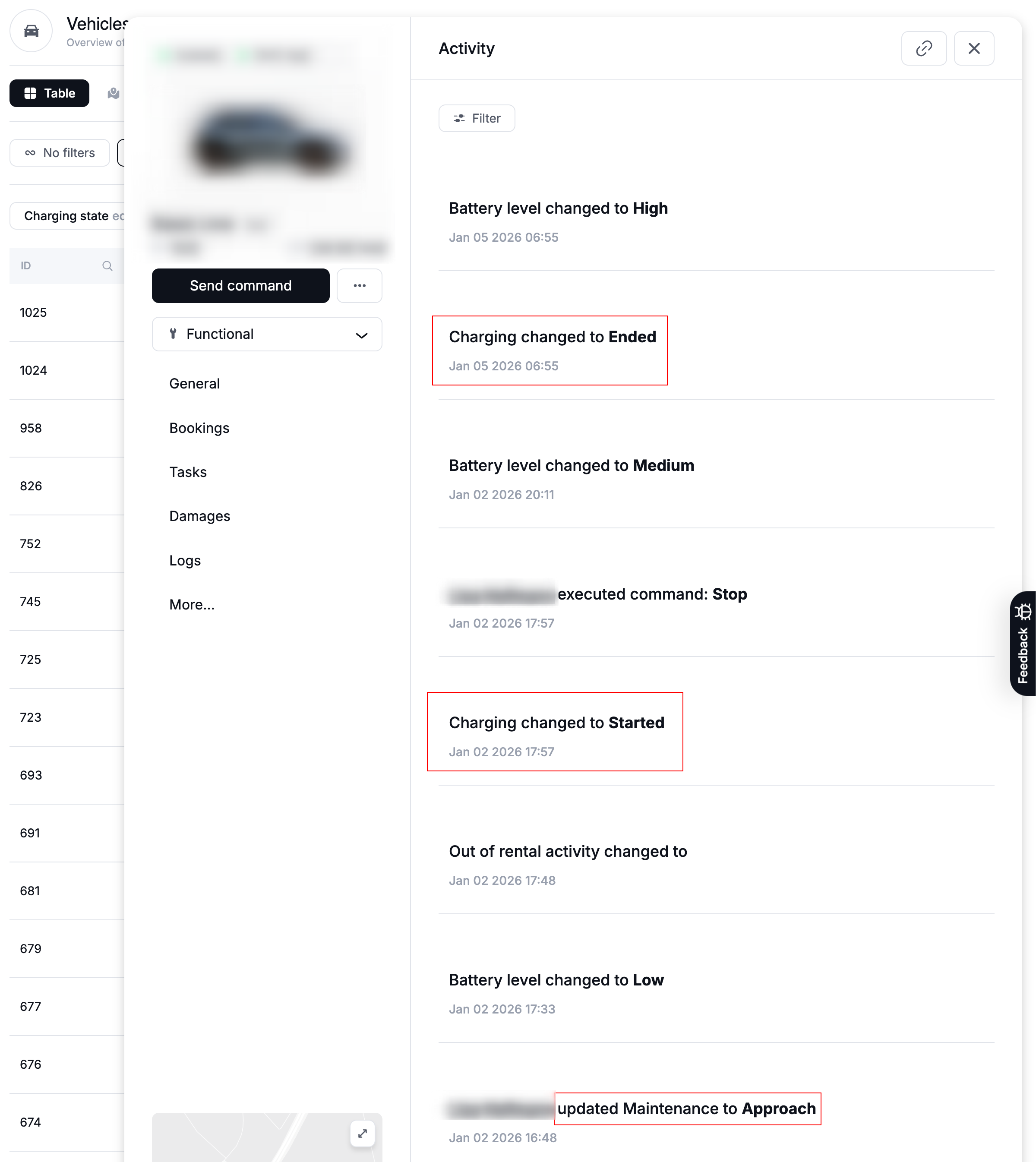
Enhanced Activity Logging: Vehicle activity logs now explicitly record "Start Charging" and "End Charging" events, as well as maintenance actions like "Approach", "Deploy", and "Close". This allows support teams to troubleshoot charging sessions and audit service interventions without digging into raw IoT data.
Mobile App
General
Settings Localization: Fixed a missing translation key for the "Settings" button on the "Enable Location" screen. Users will now see the correct localized text set in
Buttons.settingsinstead of a placeholder when prompted to enable location permissions.Unpaid Invoices UI: Fixed a layout issue where informational text on the Unpaid Invoices screen was cut off. The full text is now visible, ensuring users understand why their account is blocked.
Rental Creation (Force GPS): Fixed a bug where users could not start a rental if "Force GPS" was enabled but they hadn't granted location permissions. The app now correctly prompts the user to enable location sharing instead of failing silently.
New Dashboard
General
New Dashboard Feedback Tool: We are excited to announce a new way for you to help shape the future of our New Dashboard! Starting today, you will see a Feedback button centered on the right-hand side of your screen.
We want to capture your ideas for improvements while you are in the flow of managing your fleet, whether you are looking at Vehicle lists, Station availability, or Invoice details.How it works
The Goal: Use this tool to suggest & request workflow improvements, or report minor visual glitches across the entire dashboard (Users, Rentals, Stations, etc.).
The Mechanism: Click the button to capture a screenshot or video directly in your browser. You can annotate (draw on) the screen to show us exactly what you mean.
The Process: Your feedback enters a “Product Planning Bucket.” Our team screens this feedback periodically (not in real-time) to prioritize future updates.
⚠️ Important: When to use “Feedback” vs. “Support”
To ensure you get the help you need quickly, please stick to these boundaries:✅ Use the new Feedback Button for:
Ideas: “It would be great to see station utilization trends on this map view.”
UX Improvements: “I’d like to filter the vehicle list by ‘Last Maintained Date’.”
Visual Glitches: “The layout of the invoice details page looks cluttered on my screen.”
❌ Continue using Zendesk (Support) for:
Critical Issues: “I cannot log in to the dashboard.”
Urgent Operations: “A user is stuck at a station right now and needs immediate help.”
System Outages: “The rental overview isn’t loading.”
Summary: If you need a reply or a fix today, please use the known Support Channel via Zendesk. If you want to help us improve the Dashboard for the future, use the new Feedback button!
Charging Activity Visibility: Vehicle activity logs now explicitly record "Start Charging" and "End Charging" events. This allows support teams to troubleshoot charging sessions and verify vendor performance without digging into raw IoT data.
User Export Improvements: The User Export CSV now separates First Name, Last Name, and Email into distinct columns. This eliminates the need for manual data splitting when importing user lists into CRM or marketing tools.
White Label Stability: Resolved an internal server error that prevented the White Label settings page from loading. Operators can now access and update their branding configurations reliably.
On-demand
On-Demand Pricing Fix: Fixed a bug where setting a price rate to "0" (e.g., for a free start interval) would result in an invalid
NaNvalue. Operators can now correctly configure 0-cost pricing slots for grace periods.
Booking
Booking Price Accuracy: When creating or editing bookings, the system now fetches addition prices and total costs directly from the backend. This supports "entitled" additions (e.g., free child seats from a subscription) and ensures the price shown matches the final invoice.